
Reading log reports give you an easy way to view reading log activity for one or multiple students.
Step 1: Go to  on the side panel.
Step 2: Select Reading Logs Report from the pop-up window.

Step 3: Select the group(s) you wish to run a report for.

Step 4: Select the student(s) you want included in the report.

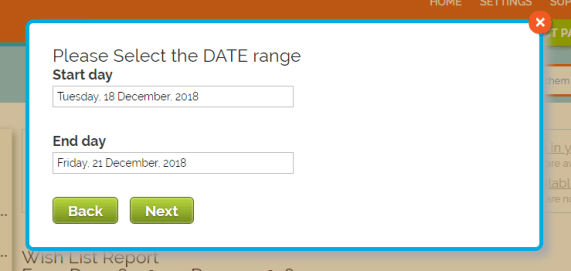
Step 5: Select a date range.
Step 6: Your report will show as a breakdown of reading log activity by student. You can sort by columns using the highlighted text in blue.

Step 7: Click  to send the report to your email address. It will arrive as a .xlsx file.
Still have questions? Email us.
Pingback: For Educators: Getting Started with Biblionasium | Biblionasium Blog
Pingback: How to Fight the Summer Slide with Biblionasium | Biblionasium Blog